How the Post Video Production Process Works from First Cut to Final Delivery
Post-production encompasses every technical and creative step that occurs after principal photography (filming) has wrapped. It is the phase where raw video and audio files are ingested, organized, edited into a cohesive narrative, color-graded, mixed for sound, and finally exported for distribution. Rather than just a technical assembly line, it is widely regarded as the final rewrite of a story.
The moment the director calls "wrap" on set, the physical production ends, but the storytelling process is only half finished. The raw materials—terabytes of video files, isolated audio tracks, and pages of script notes—must now be woven together. This is the domain of post video production.
In modern workflows, post-production is a highly specialized pipeline. It requires managing massive amounts of digital data, navigating complex software environments, and making thousands of micro-decisions that dictate how an audience will feel. Whether you are producing a 60-second corporate advertisement or a two-hour independent feature, understanding this workflow is essential for keeping projects on budget and preventing technical bottlenecks.
What Exactly Happens During the Post-Production Phase?
According to standard industry definitions, post-production is the third and final major phase of filmmaking, following pre-production and production. However, defining it merely as "editing" severely understates the scope of the work.
The "Second Directing" Philosophy
In professional circles, post-production is often referred to as "the second directing." While the script provides the blueprint and the production gathers the materials, the editing room is where the actual pacing, tone, and emotional resonance are finalized. An editor can take a scene shot as a lighthearted comedy and, by lingering on specific reactions and altering the musical score, transform it into a tense thriller. The flexibility of the post-production suite offers a critical opportunity to reshape the narrative based on what was actually captured on camera, rather than what was merely planned on the page.
The Shift to Non-Linear Editing (NLE)
Historically, film editing was a destructive, linear process involving physically cutting and splicing celluloid tape. Today, the industry relies entirely on Non-Linear Editing (NLE) systems. Software like Adobe Premiere Pro, DaVinci Resolve, and Avid Media Composer allows editors to access any frame of video instantly and assemble scenes out of chronological order. This non-linear approach provides immense creative freedom, allowing editors to experiment with multiple versions of a scene without permanently altering the source files.
Addressing the "Fix it in Post" Myth
A common misconception among novice filmmakers is the idea that mistakes made on set can simply be "fixed in post." While modern software offers highly capable tools for stabilizing shaky footage or removing minor blemishes, post-production cannot salvage fundamentally flawed material. Poorly lit scenes, clipped audio, and out-of-focus shots introduce severe limitations. Post-production is designed to elevate good footage, not to rescue a poorly executed production.
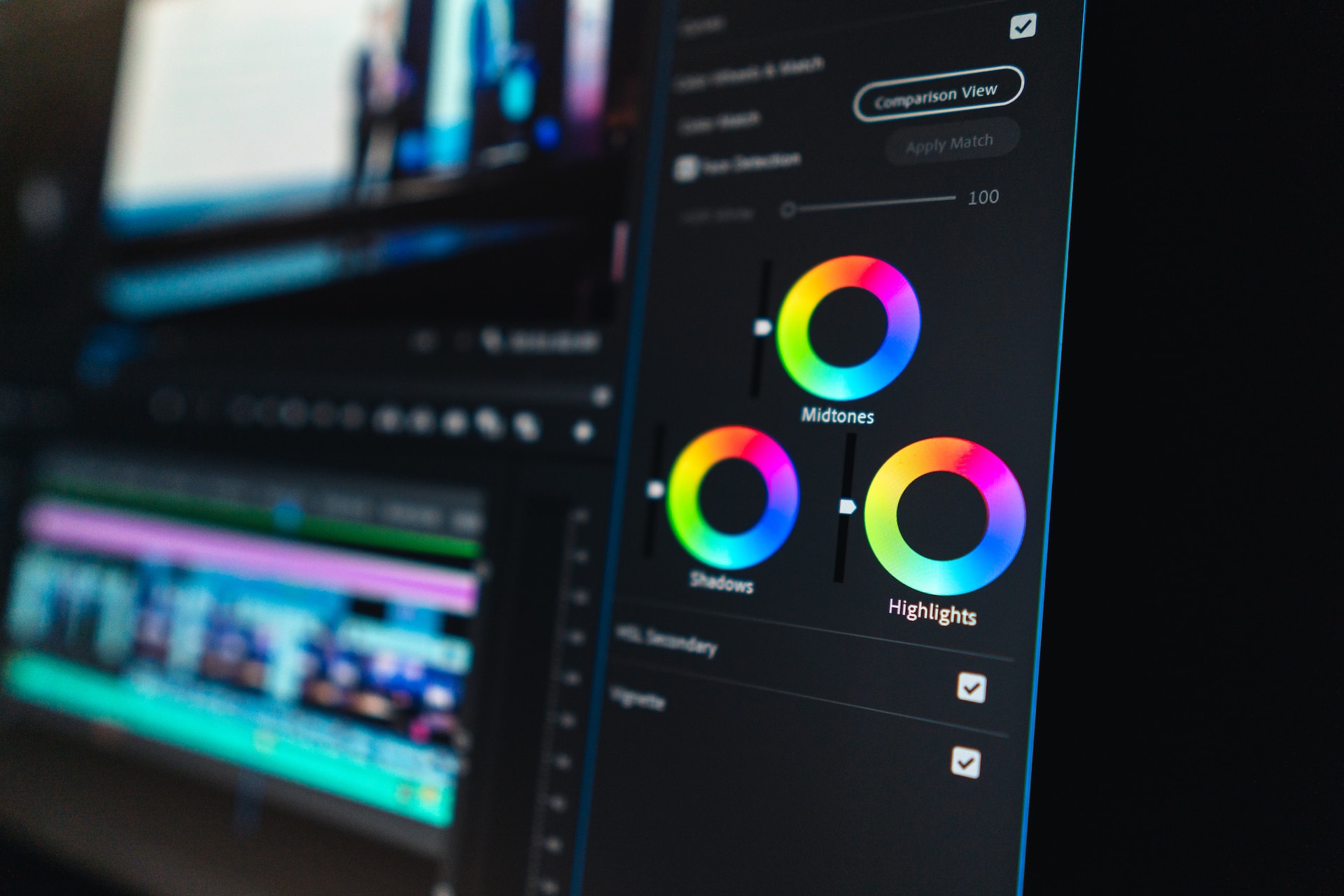
Image source: Simon Says AI
The 7 Essential Stages of a Professional Video Editing Workflow
While a solo YouTuber might handle all these steps simultaneously, professional environments divide the post-production pipeline into distinct, sequential stages. Skipping or rushing these steps often leads to catastrophic workflow failures later in the process.
-
Ingesting and Organizing Footage
Before a single cut is made, the raw data must be secured. This involves offloading media cards, creating redundant backups (following the standard 3-2-1 backup rule), and importing the files into the NLE. Editors then spend hours "logging" the footage—renaming files, syncing external audio to video clips, and organizing takes into specific folders (bins). Because modern digital cameras allow for inexpensive, continuous shooting, editors frequently face "footage bloat," making rigorous organization the most critical step for maintaining sanity.
-
The Assembly and Rough Cut
The assembly is the process of stringing together the best takes in script order. It is usually overly long and lacks finesse. From there, the editor carves out the "Rough Cut." At this stage, the focus is entirely on story structure and pacing. Many editors employ the "3-7 Second Rule," a guideline suggesting that in modern digital content, a shot should typically hold for 3 to 7 seconds to maintain viewer engagement, unless a longer hold serves a specific dramatic purpose.
-
The Fine Cut
During the fine cut, the editor meticulously refines the pacing. This is the stage where micro-adjustments are made—trimming a few frames off a reaction shot or utilizing J-cuts and L-cuts (where the audio of the next clip precedes the video, or vice versa) to create seamless dialogue transitions. This phase requires the discipline to "Kill Your Darlings," a professional mandate to remove beautifully shot sequences if they do not actively advance the story.
-
Reaching Picture Lock
Picture Lock is a definitive milestone. It means the visual edits—the timing, duration, and sequence of every shot—are 100% finalized. Reaching picture lock is essential because the subsequent stages (sound mixing, color grading, and VFX) rely on exact timecodes. If an editor adds or removes even a single frame after picture lock, it can desync the entire audio mix and force VFX artists to redo their work.
-
Visual Effects (VFX) and Titling
Once the timeline is locked, shots requiring visual effects are exported to specialized software (like Adobe After Effects or Blackmagic Fusion). This stage includes everything from complex CGI integration and green screen keying to simpler tasks like removing a boom mic from the frame, adding lower-third graphics, and creating the opening title sequence.
-
Color Correction and Creative Grading
Color work is divided into two distinct processes. First is Color Correction, which is the technical process of fixing exposure, adjusting white balance, and ensuring visual consistency across different cameras. Second is Color Grading, which is the creative process of applying a specific stylized "look" to evoke an emotional response (e.g., pushing blues into the shadows for a cold, thriller aesthetic).
-
Sound Design and Final Mix
The final major step is the audio mix. A sound designer will clean up the dialogue, add Foley (custom-recorded sound effects like footsteps or clothing rustles), layer in ambient background noise, and balance the musical score. The final mix ensures that the audio meets strict loudness standards (measured in LUFS) required by streaming platforms and broadcasters.
How to Use Proxies to Edit High-Resolution Video on Any Computer
One of the most common hurdles in modern post-production is the hardware bottleneck. Today's cameras routinely shoot in 4K, 6K, or even 8K resolution using highly compressed codecs (like H.265) or massive RAW data formats. When an editor drops these files onto a timeline, even high-end workstations will often stutter, drop frames, and crash.
The professional solution to this problem is the Offline vs. Online Workflow, commonly known as proxy editing.
A proxy is a low-resolution, highly optimized duplicate of your original high-resolution video file. Instead of forcing the computer to decode complex 4K files in real-time, the NLE generates 720p or 1080p versions using edit-friendly codecs like Apple ProRes Proxy or Avid DNxHD. These intra-frame codecs are designed specifically for smooth scrubbing and playback.
Step 1 (Offline): The editor generates low-res proxies and edits the entire project smoothly on a standard laptop.
Step 2 (The EDL): The software tracks every cut, trim, and transition using an Edit Decision List (EDL) or internal metadata.
Step 3 (Online): Before the final export or color grade, the software automatically "re-links" the timeline to the original 4K/8K source files. The final render uses the pristine, high-resolution media.
| Feature | Native Editing (Original Files) | Proxy Editing (Offline/Online) |
|---|---|---|
| Playback Performance | Often choppy; requires massive CPU/GPU power. | Silky smooth; works on older or lower-spec machines. |
| Storage Space | Requires fast, expensive SSD arrays. | Proxies take up minimal space; originals can stay on external HDDs. |
| Setup Time | Instant. Drag and drop to start editing. | Requires upfront time to transcode/render the proxy files. |
| Best Used For | Short social media clips, 1080p projects, quick turnarounds. | Feature films, multi-cam 4K interviews, heavy documentary work. |
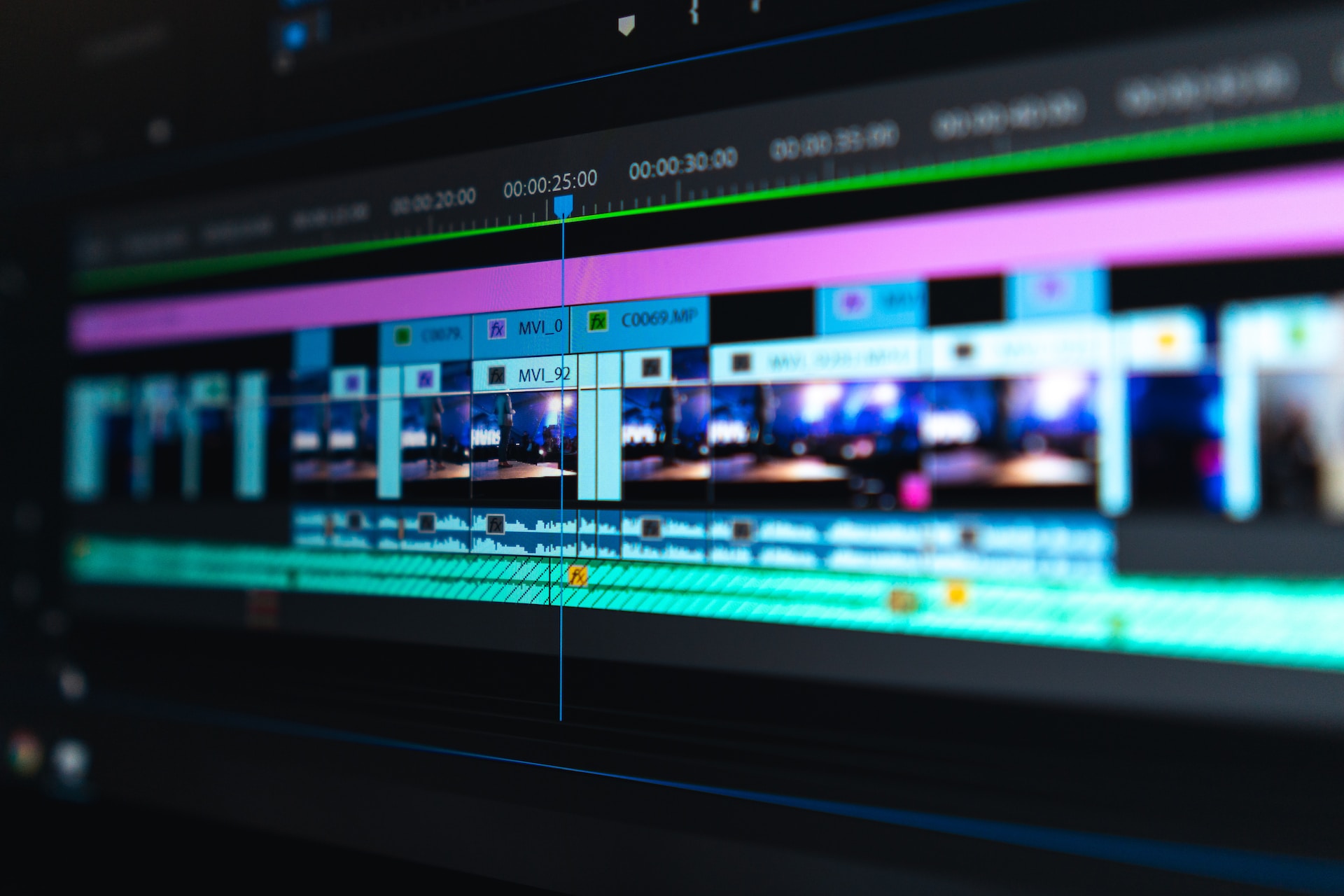
Image source: Video Production Insights & Tips | Cincinnati & Chicago
How AI Tools Are Changing the Way Editors Work in 2026
Artificial intelligence has moved beyond simple novelty and is now deeply integrated into the standard post-production pipeline. Rather than replacing editors, these tools are eliminating the most tedious, time-consuming aspects of the job, allowing professionals to focus on creative pacing and storytelling.
Text-Based Editing
Modern NLEs now automatically transcribe audio upon import. Editors can perform a "paper edit" by reading the transcript and simply highlighting and deleting sentences in a text document. The software automatically makes the corresponding cuts on the video timeline, drastically speeding up documentary and interview workflows.
Generative Fill & Object Removal
If a boom microphone dips into the frame, or a distracting logo appears in the background, AI-driven generative fill can analyze the surrounding pixels and seamlessly paint out the unwanted object in motion. This reduces the need to send simple cleanup tasks to dedicated VFX artists.
AI Color Matching
When a scene is shot using three different camera brands, the color science will mismatch. AI color matching tools can analyze a "hero shot" and automatically adjust the contrast, saturation, and hue of the other angles to match, providing a neutral starting point for the final creative grade.
ADR & Voice Enhancement
Historically, noisy location audio required actors to re-record their lines in a studio (Automated Dialogue Replacement). Today, AI voice isolation tools can strip away heavy wind, traffic, and room echo, restoring compromised location audio to near-studio quality with a single click.
Why Audio Quality Matters More Than Your Video Resolution
A well-known axiom in the film industry is that audiences will forgive bad video, but they will immediately tune out bad audio. The psychology of sound dictates that audio quality is the primary indicator of production value. A viewer will happily watch a grainy, handheld documentary if the dialogue is crisp and clear. Conversely, stunning 8K cinematic visuals will feel amateurish if accompanied by hissy, echoing, or poorly leveled sound.
Sound design in post-production is about creating a sense of presence. When an editor cuts from a wide shot to a close-up, the visual perspective changes, but the audio must remain consistent to maintain the illusion of reality. This is achieved through careful layering of sound textures.
The greatest gift a production crew can give a post-production editor is "Room Tone." Every room has a unique baseline hum (air conditioning, distant traffic, electrical buzz). By recording 30 seconds of pure silence on set, the editor gains a clean audio patch. When they need to cut out a director's cough or extend a pause between dialogue, they can lay this room tone underneath the cut to prevent the audio track from suddenly dropping to dead, unnatural silence.
Common Post-Production Problems and How to Fix Them
The post-production process is notoriously demanding on both hardware and human patience. Understanding how to troubleshoot common technical debt is a required skill for any modern editor.
Software Stability and Media Caches
When an NLE begins to lag, stutter, or crash unexpectedly, the culprit is frequently a bloated media cache. Video software generates thousands of hidden background files (waveforms, peak files, and render previews) to speed up playback. Over time, these files corrupt or fill up the hard drive. Regularly clearing the media cache and assigning a dedicated, high-speed SSD as a "Scratch Disk" (separate from your operating system drive) is a standard practice to maintain stability.
The Frame Rate Mismatch
A frequent error among beginners is dropping 24fps (frames per second) cinematic footage onto a 30fps or 60fps timeline. This mismatch forces the software to artificially duplicate or drop frames to make the math work, resulting in a visual stutter known as "ghosting" or "judder." You must always verify your source footage frame rate and ensure your timeline settings match exactly before making the first cut.
Digital Noise and Aperture Issues
While color grading is powerful, it cannot fix severe digital noise caused by improper camera settings. Advanced cinematography techniques emphasize the importance of shooting with proper lighting ratios and appropriate aperture settings (such as f/2.8 for subject separation). If footage is severely underexposed on set, attempting to brighten it in post-production will introduce heavy, often unfixable, digital grain.
Remote Collaboration and Cloud Workflows for Modern Teams
The days of an entire post-production team huddling around a single monitor in a dark room are largely over. The 2026 workflow is heavily decentralized, relying on cloud infrastructure and high-speed internet to facilitate global collaboration.
Enterprise-level video post-production solutions utilize Shared Storage environments (like Avid NEXIS or dedicated NAS systems). These systems allow multiple editors, colorists, and sound mixers to open and work on the exact same project file simultaneously from different workstations without overwriting each other's progress.
For review and approval, teams rely on cloud platforms like Frame.io. Instead of exporting a video, emailing a link, and receiving a confusing list of text-based changes, directors can watch the cut in a web browser and click directly on the video frame to leave time-stamped feedback. These notes sync automatically as markers directly onto the editor's timeline, streamlining the revision process.
Managing this complex web of remote assets and personnel falls to the Post-Production Supervisor. While the editor focuses on the creative cut, the supervisor manages the technical pipeline, ensures storage quotas are met, tracks VFX deliveries, and ensures the project hits its final delivery deadlines.
How Long Does the Post-Production Process Actually Take?
A common point of friction between clients and editors is the timeline. Post-production almost always takes significantly longer than the physical shoot. The duration scales dramatically based on the complexity of the project.
- Social Media & Corporate Video: A standard 3-minute promotional video typically requires 1 to 2 weeks of post-production, allowing time for client revisions and basic color/audio passes.
- Independent Short Films: A 15-minute narrative short film generally takes 1 to 3 months. This allows the director to step away from the rough cut, gain objective distance, and return for a refined fine cut.
- Feature Films & Television: For long-form narrative content, the industry generally observes the "10-Week Rule." The transition from the initial assembly to a polished fine cut takes a minimum of 10 weeks. For VFX-heavy blockbusters, the post-production phase routinely extends from 6 months to over a year.
Frequently Asked Questions
- What is the difference between an editor and a colorist?
- An editor is a storyteller who focuses on pacing, structure, and shot selection by cutting the footage together. A colorist is a highly specialized technician and artist who takes the locked edit and manipulates the color data to ensure visual consistency and establish the specific mood or atmosphere of the film.
- Which software ranks among the top choices for post-production in 2026?
- The industry standard is split among three main platforms. Adobe Premiere Pro is widely favored for its integration with After Effects and general versatility. DaVinci Resolve is considered a top-tier option for color grading and has grown rapidly as a full NLE. Avid Media Composer remains the dominant choice for Hollywood feature films and broadcast television due to its robust multi-user collaboration features.
- Can I do professional post-production on a smartphone or tablet?
- Yes, for specific use cases. Mobile NLEs (like LumaFusion or CapCut) have become highly capable for social media content, short-form marketing, and basic vlogging. However, for feature films, heavy VFX integration, or complex audio mixing, a dedicated desktop workstation remains necessary due to storage, processing power, and interface requirements.
- What is an EDL and why do I need one?
- An EDL (Edit Decision List) is a lightweight text file generated by your editing software. It contains the exact timecode data for every cut, transition, and clip in your timeline. It is essential for moving a project between different software programs—for example, exporting an EDL from Premiere Pro so a colorist can rebuild your exact timeline in DaVinci Resolve.
- What is typically the most expensive part of post-production?
- Aside from the labor costs of the editing team, the highest expenses in post-production are usually Visual Effects (CGI, compositing, and cleanup) and music licensing. Securing the rights to a popular commercial song can consume a massive portion of an independent film's post-production budget.
Final Thoughts on the Post-Production Journey
Post video production is a fascinating intersection of rigid technical pipelines and fluid creative expression. While the software and AI tools will continue to evolve, the fundamental goal remains the same: shaping raw media into a compelling story that holds the audience's attention from the first frame to the final fade-out.
- Organize ruthlessly: Implement a strict folder structure and backup protocol before making a single cut to prevent data loss.
- Utilize proxies: Generate low-resolution offline files to ensure smooth playback and prevent hardware bottlenecks during the edit.
- Embrace the 3-7 second rule: Keep your pacing tight and be willing to cut beautiful shots if they do not serve the narrative.
- Respect picture lock: Finalize all visual timing before moving on to sound design and color grading to avoid costly workflow disruptions.
- Prioritize audio: Invest time in cleaning dialogue and layering room tone, as viewers judge production value heavily on sound quality.
- Leverage AI tools: Use text-based editing and automated voice isolation to speed up tedious tasks and focus on creative decisions.