How to Choose a Productivity Focused Browser That Actually Saves You Time
The modern digital workspace is fragmented. Between web applications, communication tools, and research tabs, the standard web browser has become a chaotic environment that actively works against deep focus. In 2026, a new category of software has emerged to solve this exact problem.
A productivity focused browser is designed to minimize context switching, reduce RAM consumption, and organize web applications into dedicated workspaces. Based on current market data and user testing, different professional roles benefit from different tools:
- For Designers & Creatives: Arc Browser offers highly customizable "Spaces" and visual organization.
- For High-Volume Multitaskers: Sidekick provides a built-in task manager and global search across all web apps.
- For Researchers: Horse Browser utilizes a unique "Trails" system to map out deep research sessions without losing context.
- For Social Media Managers: GoLogin offers isolated profiles to manage multiple accounts simultaneously without logging out.
Why Your Current Browser Is Killing Your Deep Work Focus
For over a decade, the fundamental design of the web browser remained stagnant. A single window with a horizontal row of tabs at the top was sufficient when websites were merely static documents. Today, however, the browser acts as a complete operating system where professionals spend the majority of their working hours. Using a traditional browser for modern web applications creates significant friction.
The primary issue is a psychological phenomenon known as the "context switching penalty." According to research on digital productivity, it takes an average of 9.5 minutes to regain proper focus after switching between different applications or disorganized tabs. When a user leaves a complex spreadsheet to hunt for a specific Slack message buried in a sea of identical horizontal tabs, their brain must completely reorient to the new visual environment. By the time they return to the spreadsheet, their train of thought is broken.
Furthermore, traditional browsers suffer from severe resource management issues. Google Chrome, which holds a dominant 66% global market share, isolates every single tab into its own process. While this prevents a single crashed tab from taking down the entire browser, it consumes massive amounts of Random Access Memory (RAM). For power users with 50 or more tabs open, this leads to system slowdowns, battery drain, and a sluggish interface that further impedes workflow.
Consider the math behind the 9.5-minute rule. If a professional loses their place in a project just 10 times a day due to "tab hunting" or accidental closures, they incur roughly 95 minutes of cognitive recovery time. Over a standard five-day workweek, that equates to nearly 8 hours of lost productivity. Switching to a browser that organizes workflows natively can effectively reclaim an entire workday each week.
What Defines a True Productivity Focused Browser in 2026?
To qualify as a productivity focused browser, a tool must move beyond simple cosmetic changes and fundamentally alter how a user interacts with the web. In recent years, several key features have become standard requirements for this category.
First is the shift from horizontal tabs to Spaces or Workspaces. Instead of mixing personal email, client projects, and entertainment into one window, modern browsers allow users to create isolated environments. A "Marketing Campaign" space will contain only the tabs, bookmarks, and web apps relevant to that specific project. When the user switches to their "Personal" space, the marketing tabs disappear entirely, reducing visual noise and cognitive load.
Second is the integration of Agentic AI. Early AI browser integrations were merely "assistive"—a sidebar where a user could type a prompt to summarize a page. In 2026, the standard has shifted toward agentic browsing. Tools like ChatGPT Atlas and Comet can actively navigate the web, click links, and synthesize data across multiple open tabs on the user's behalf. This transforms the browser from a passive viewing tool into an active digital assistant.
Third is the debate between Native Integration versus Extension Layers. While tools like Workona attempt to add workspace functionality on top of Chrome via extensions, native productivity browsers build these features directly into the core architecture. Native integration typically results in faster performance, lower RAM usage, and a more cohesive user interface compared to stacking multiple third-party extensions on a legacy browser.
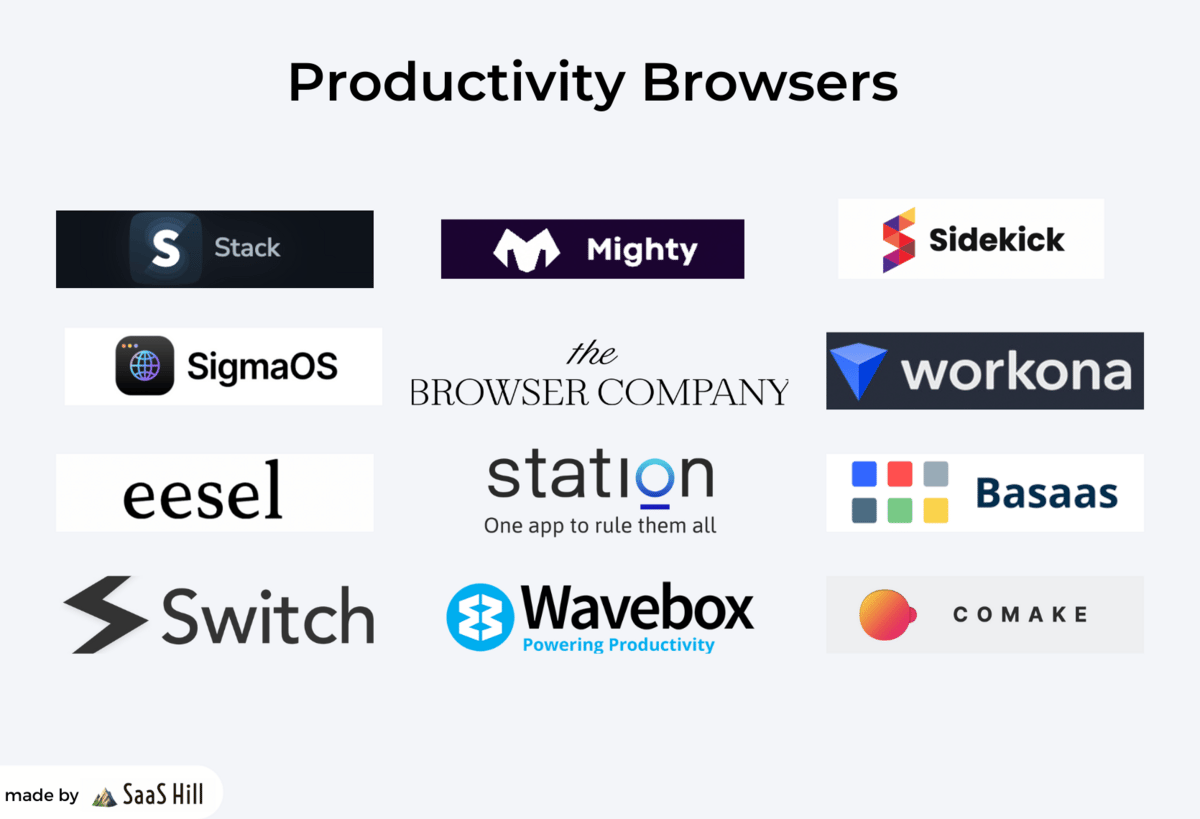
Image source: SaaS Hill - Beehiiv
Top Productivity Focused Browsers for Every Professional Role
Because different professions require different digital workflows, there is no single browser that fits every user perfectly. The ideal choice depends heavily on daily tasks, security requirements, and personal organizational style. Below is an analysis of top-tier options categorized by professional persona.
Arc Browser for Creative Professionals and Designers
Vertical Tabs Spaces Chromium
Developed by The Browser Company, Arc has gained significant traction among designers and creative directors. Its primary innovation is the complete removal of the top URL bar, moving all navigation to a collapsible left sidebar. This maximizes vertical screen real estate, which is crucial for design work.
Arc utilizes a robust "Spaces" system, allowing users to swipe between different contexts (e.g., "Client A," "Client B," "Internal Admin") with distinct color themes and pinned applications. Additionally, its "Boosts" feature allows users to inject custom CSS into any website, effectively letting them redesign the web to their liking. CEO Josh Miller has frequently positioned Arc not just as a browser, but as a "Meta-OS" for the internet.
Sidekick for High-Performance Multi-Taskers
App Integration Low RAM Global Search
For project managers, founders, and operations professionals who live inside web applications (Notion, Slack, Figma, Jira), Sidekick is a highly competitive option. Sidekick is engineered specifically to reduce RAM usage by aggressively suspending inactive tabs and prioritizing active web apps.
Its standout feature is the global search shortcut. By pressing a single key combination, a user can search across all their connected web apps simultaneously. If you need a specific document but cannot remember if it was shared in Slack, Google Drive, or an email, Sidekick's global search locates it in seconds, drastically reducing the context switching penalty.
Horse Browser for Researchers and Deep Thinkers
Trails System Privacy First Paid Model
Academics, investigative journalists, and deep researchers often struggle with "tab sprawl"—opening dozens of sources and losing track of how they relate to one another. Horse Browser solves this with its "Trails" system. Instead of a flat list of tabs, Horse organizes pages hierarchically. If you open three links from a Wikipedia article, they appear nested under that parent article in a vertical tree.
Furthermore, Horse operates on a user-funded model. Because users pay for a lifetime license, the company does not rely on selling telemetry or browsing data to advertisers. This makes it a popular choice for professionals handling sensitive information who require strict privacy guarantees.
GoLogin and Ghost Browser for Social Media Managers
Isolated Profiles Anti-Fingerprinting Agency Focus
Marketing agencies and social media managers face a unique problem: managing multiple accounts for the same platform (e.g., 10 different client LinkedIn profiles) without triggering security bans or constantly logging in and out. Standard "Incognito" modes are insufficient because platforms track device fingerprints and IP addresses.
GoLogin addresses this by utilizing isolated profiles. Each tab or workspace can be assigned a completely unique digital fingerprint, user agent, and proxy IP. This allows a manager to have 15 different Facebook accounts open simultaneously in the same window, with the platform viewing each tab as a completely different physical device.
Image source: GoLogin
Zen Browser for Minimalists Seeking Deep Focus
Distraction-Free Split Views Firefox-Based
While many productivity browsers add features, Zen Browser focuses on subtraction. Built on the Firefox engine (making it a rare non-Chromium option), Zen is designed for users who are easily overwhelmed by visual clutter. It features highly responsive collapsible sidebars that disappear entirely when reading or writing, creating a true distraction-free environment.
Zen also excels at split-screen viewing, allowing users to snap two or three tabs into a grid layout within a single window—perfect for referencing a source document while writing in a separate web app.
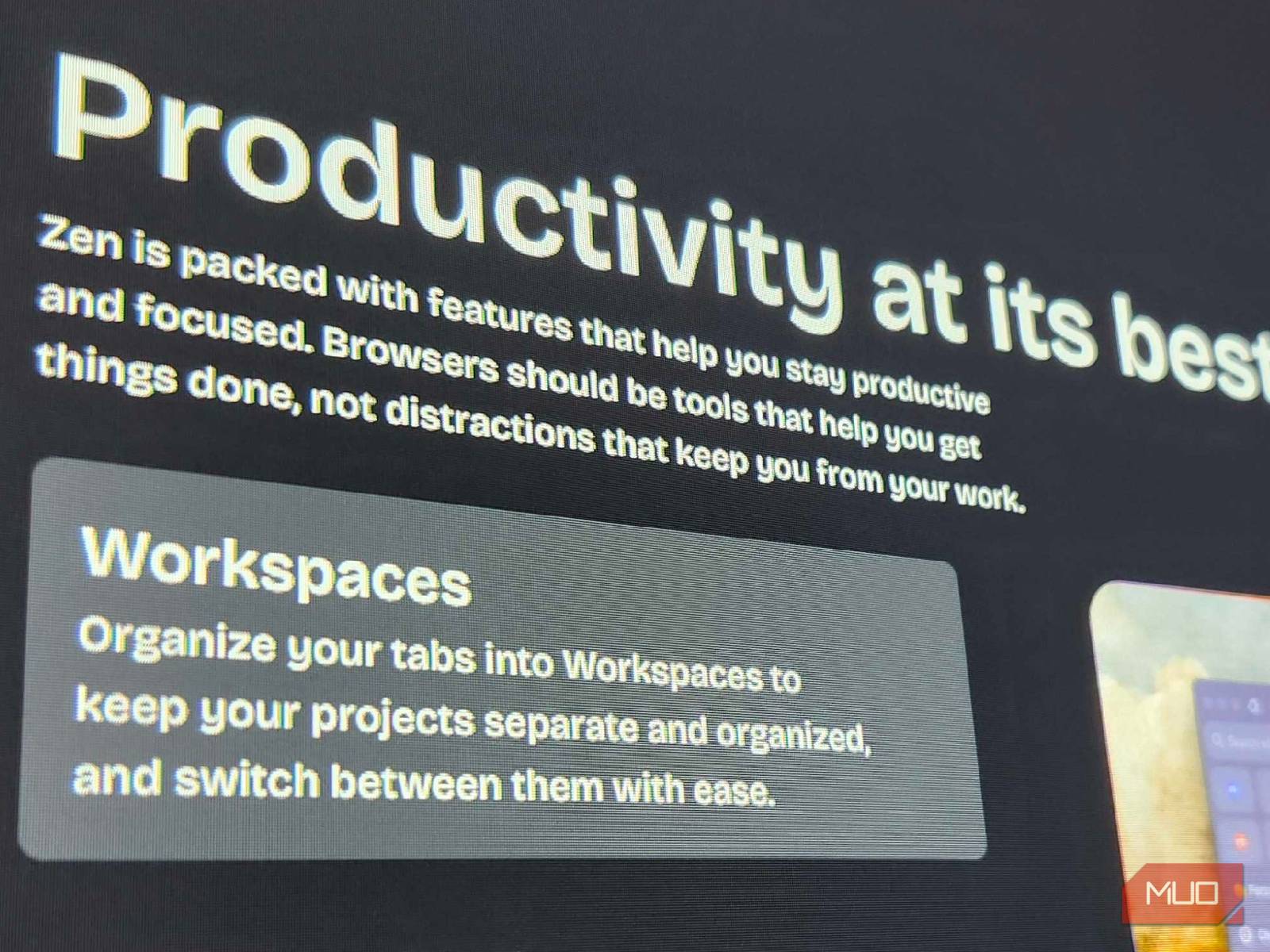
Image source: MakeUseOf
How Agentic AI Is Changing the Way We Work Online
The integration of Artificial Intelligence into the browser ecosystem has evolved rapidly. In previous years, AI was relegated to a sidebar—a helpful but passive tool that required the user to copy and paste text for summarization or translation. Today, the industry is moving toward "Agentic AI."
Agentic browsing means the browser itself can take action. For example, with tools like ChatGPT Atlas, a user can open a blank tab and type, "Review the three open tabs containing competitor pricing pages, extract their enterprise tier costs, and format them into a markdown table." The browser's AI agent will autonomously read the DOM (Document Object Model) of those specific tabs, extract the relevant data, and generate the table without the user ever clicking between the pages.
This level of automation extends to mundane tasks such as filling out complex multi-page forms, scraping contact information from directories, or organizing travel itineraries based on a series of open booking sites. However, this intelligence comes at a cost. While basic assistive sidebars are often free, true agentic features typically require premium subscriptions, often hovering around the $20 per month mark. Professionals must weigh this subscription cost against the hourly value of the time saved by automating repetitive web tasks.
A Decision Framework to Help You Pick the Right Tool
Choosing a new daily driver for your web browsing requires evaluating your specific pain points. The table below provides a comparative framework to assist in the decision-making process.
| Browser | Primary Tab Paradigm | AI Integration | Ideal Professional Persona | Base Pricing Model |
|---|---|---|---|---|
| Arc | Vertical Spaces | Assistive (Max) | Designers & Creatives | Free |
| Sidekick | App Sidebar + Sessions | Assistive | Project Managers & Founders | Freemium |
| Horse | Hierarchical Trails | None (Privacy Focus) | Researchers & Academics | Paid (Lifetime) |
| GoLogin | Isolated Profiles | None | Agencies & SMMs | Subscription ($49+/mo) |
| Zen | Minimalist Vertical | Assistive | Writers & Minimalists | Free (Open Source) |
The "Great Migration" Checklist
The primary reason professionals hesitate to switch browsers is the fear of losing their established workflows, saved passwords, and browsing history. However, because most modern productivity browsers are built on the Chromium engine (the same underlying code as Google Chrome), migration is typically seamless. Follow these steps to transition smoothly:
- Centralize Your Passwords: Before switching, ensure your passwords are saved in a dedicated password manager (like Bitwarden or 1Password) rather than Chrome's native keychain. This makes your credentials browser-agnostic.
- Export Bookmarks as HTML: Use your current browser's bookmark manager to export your data as an HTML file. Every major productivity browser supports importing this standard format during the onboarding process.
- Audit Your Extensions: A new browser is an opportunity to clean house. Review your active extensions and discard those you haven't used in the last 30 days. Fewer extensions mean faster browser performance.
- Establish Your Core Workspaces: On day one, create at least two distinct spaces (e.g., "Deep Work" and "Admin/Comms"). Assign your web apps to their respective spaces immediately to establish the new habit.
- Commit to the 7-Day Rule: Muscle memory is powerful. You will likely feel frustrated for the first 48 hours as you learn new keyboard shortcuts. Commit to using the new browser exclusively for seven full days before making a final judgment.
Should You Switch Browsers or Just Use Chrome Extensions?
A common question among professionals is whether a completely new browser is necessary, or if adding extensions to an existing setup is sufficient. Tools like Workona and Toby have long provided workspace and tab management features that sit on top of standard browsers.
The case for extensions is strong for users who are heavily locked into a specific ecosystem, such as enterprise environments where IT departments mandate the use of Google Chrome or Microsoft Edge. Extensions provide a layer of organization without requiring a change to the underlying software infrastructure.
However, the case for a native productivity browser generally wins out for power users. As noted by technology analyst Jared Newman in his assessment of privacy and productivity tools, native browsers integrate resource management at the system level. An extension can hide tabs from view, but it cannot always prevent those tabs from consuming RAM in the background. Native tools like Sidekick or Arc manage memory allocation directly, resulting in a noticeably faster and more stable experience when handling heavy workloads.
Frequently Asked Questions
- Can I use my existing Chrome extensions on these new browsers?
- Yes, the vast majority of productivity browsers (including Arc, Sidekick, and GoLogin) are built on the open-source Chromium engine. This means they have full access to the Chrome Web Store, and you can install your favorite extensions exactly as you would on Google Chrome. Exceptions include Firefox-based browsers like Zen, which use the Mozilla add-on ecosystem.
- Which productivity browser uses the least amount of RAM?
- Based on technical architecture, Sidekick and Zen Browser consistently rank among the most memory-efficient options. Sidekick achieves this through an aggressive AI-driven tab suspension system that unloads background pages from memory, while Zen benefits from the inherently lighter footprint of its minimalist design and Firefox engine.
- Is it worth paying a subscription fee for a web browser?
- This depends entirely on your hourly rate and workflow friction. If a paid browser like GoLogin saves a social media manager two hours a week in account switching, or if ChatGPT Atlas automates an hour of data entry, the monthly subscription cost is quickly offset by the value of the reclaimed time. For general users, however, free options like Arc or Zen are usually sufficient.
- How do isolated profiles prevent social media account bans?
- Platforms track users through "browser fingerprinting"—reading your IP address, screen resolution, installed fonts, and hardware data. Standard incognito mode hides your history locally but does not change your fingerprint. Browsers like GoLogin and Ghost create unique, spoofed fingerprints and route traffic through different proxy IPs for every tab, making it appear as though each account is being accessed from a completely different physical computer.
- What is the most effective free productivity browser for Windows users?
- While Arc has recently expanded to Windows, Microsoft Edge is often overlooked as a highly capable, built-in option. Edge includes native vertical tabs, "Workspaces" for sharing tab groups with colleagues, and deep integration with Microsoft Copilot. Vivaldi is another exceptionally strong free option for Windows power users who want maximum customization.
Final Thoughts on Reclaiming Your Digital Workspace
The browser is no longer just a window to the internet; it is the primary operating system for modern knowledge work. Continuing to use tools designed for the web of 2010 will only result in ongoing frustration, lost focus, and wasted hours. By migrating to a browser built specifically for professional workflows, you can systematically eliminate digital clutter.
- Acknowledge the Context Penalty: Recognize that every disorganized tab switch costs you valuable cognitive energy and focus time.
- Match the Tool to the Role: Choose Arc for visual organization, Sidekick for app-heavy multitasking, or Horse for deep, hierarchical research.
- Embrace Workspaces: Stop mixing personal browsing with client work; use isolated spaces to keep your current task front and center.
- Evaluate AI Needs: Decide if you need simple assistive summaries or if your workflow justifies the cost of agentic, task-completing AI.
- Prioritize Native Performance: Whenever possible, choose native browser features over stacking multiple heavy extensions on legacy software.